The Cornell Note Taking Method: What Sticks and Why
Summary
The Cornell note taking method structures a page into a notes column, a cue column, and a summary strip at the bottom. Walter Pauk's five-step system works only when you complete all five steps, especially the cue questions and the summary. This piece explains the full workflow and how to adapt it for knowledge workers managing online reading, not lecture hall notes.

The cornell note taking method divides a page into three zones: a notes column on the right, a cue column on the left, and a summary strip at the bottom. Walter Pauk developed it at Cornell University in the 1950s for students struggling to retain lecture material. Most people encounter the template, fill in the notes column once, and stop there. That is where the method stops working.
What the Cornell note taking method actually is
The structure is specific. The right two-thirds of the page captures notes in real time: main ideas, supporting details, quotes that seem worth keeping. The left strip, roughly two inches wide, is reserved for questions and keywords. The bottom quarter holds a one- or two-sentence summary in your own words.
Most articles about Cornell notes stop at the layout. The layout is only the container. The method is what happens after you put the pen down.
Walter Pauk described it as five steps, which he called the 5Rs. Record during the session. Reduce afterward by turning your raw notes into questions and cue words. Recite by covering the right column and answering from the left side alone. Reflect by connecting the material to what you already know or plan to use. Review on a spaced schedule, returning to the pages over days and weeks rather than cramming them the night before a deadline.
The summary line at the bottom is not an optional footer. It is the forcing function that shows you, in two sentences, whether you understood anything at all.
The cue column is the step almost nobody completes
The notes column feels productive. You write things down. Something is happening, the page fills up, and it looks like a record.
The cue column requires something harder: stopping and formulating a question you cannot yet answer from memory. That takes more cognitive effort than transcription. So most people skip it, or fill it in with labels and topic headers during the session instead of questions afterward.
This distinction matters because the cue column is the only part of the layout that actively builds retrieval. When you return to the page, cover the notes column, and answer the questions from the left side alone, you are not re-reading. You are testing. The difficulty is not a bug. The difficulty is the point.
Filling the cue column in real time, alongside the notes, removes that difficulty. The layout looks correct. The method does not run.

Knowledge workers read more than students and remember less
A student takes notes in a controlled setting. The lecture happens once, at a fixed time, with a clear endpoint. The exam is announced in advance, which creates external pressure to revisit the material on a real schedule.
Knowledge workers operate in a fundamentally different environment. Articles arrive through reading lists, newsletters, Slack links, and browser bookmarks. Intake is ambient and continuous. There is no exam. The deadline for remembering anything is usually vague: sometime before you need to apply it, or never, if the topic drifts out of focus first.
The result is a reading pile that grows faster than it shrinks. Not because the reader lacks discipline, but because the system that makes Cornell notes work for students assumes a structured curriculum and predictable endpoints. Neither exists for someone managing forty open tabs on a Tuesday afternoon.
The Cornell method does not solve the pile problem on its own. But it gives you a unit of work with a defined output: a page that shows exactly what you understood, and what you can produce from memory without looking back at the source. That is more actionable than a saved link with the title "interesting, revisit eventually."
How to adapt the Cornell format for online reading
The original format was designed for lecture halls and legal pads. Adapting it for online reading requires one conceptual shift, not a new application.
Treat each article or document as a session. Reserve the notes column for what the piece actually says: key claims, supporting evidence, facts worth keeping. Reserve the cue column for questions you want to be able to answer later, and your own reaction to the argument. Write the summary before you close the tab. Not as a bookmark title, but as two sentences you would say out loud to someone who asked what you just read.
The discipline is in the gap between reading and reviewing. The cue column and the summary should not be written during the reading itself. Set the notes aside. Close the article. Return within a few hours, or the next morning, and complete the left column from memory. This gap is where the method does its actual work. Without it, you have a formatted document. You do not have a reviewed one.
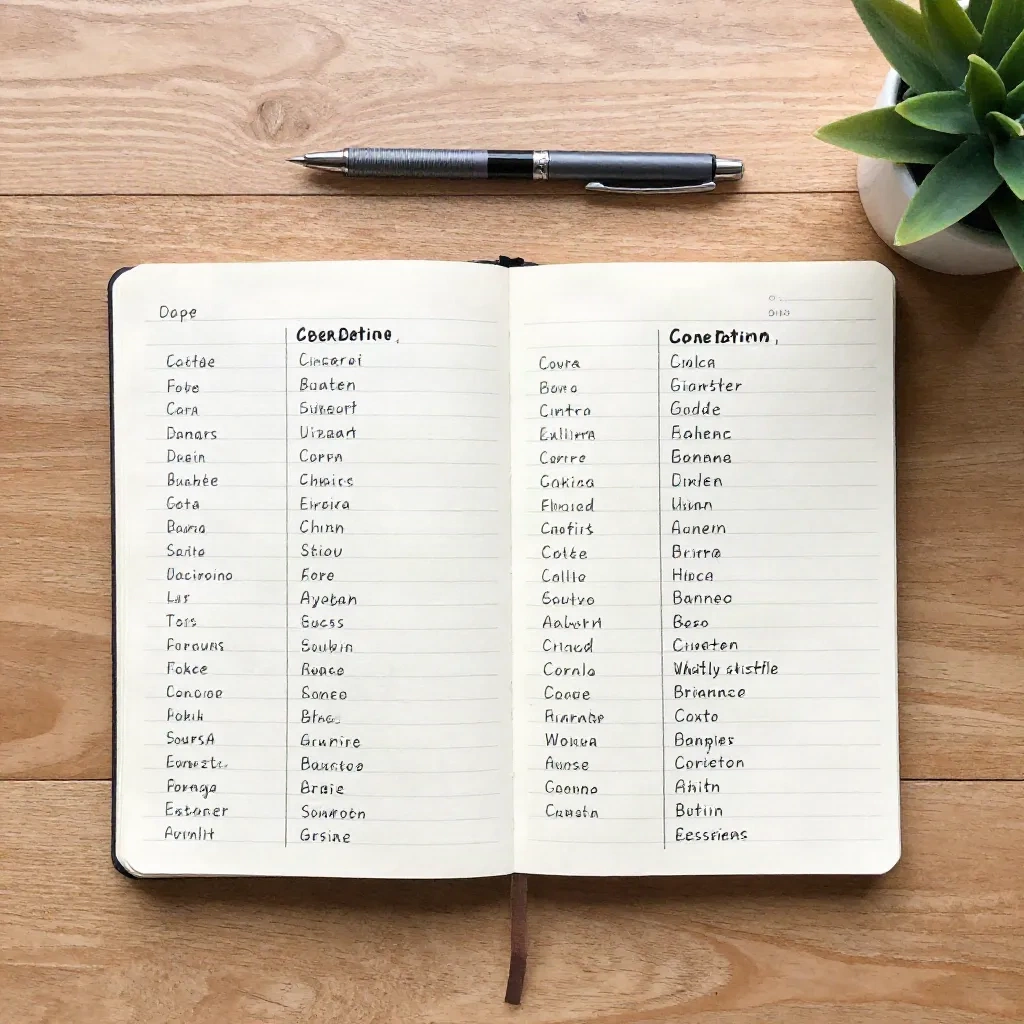
A split-pane document in Notion handles the column structure without plugins or templates. A dedicated note per article in Obsidian maps cleanly onto the three sections if you use a consistent heading structure. The tool is secondary. The workflow is not.
Pairing Cornell notes with a spaced repetition review
The 5R method implies a review schedule but does not specify one precisely. Walter Pauk recommended weekly review of the full note set for a course. For knowledge workers with no course structure and no exam date, something simpler works: return to one old note each morning and cover the notes column before reading the cue questions.
This is where a reading tool with a highlight and review layer connects directly to what Cornell is trying to do. The cue questions you wrote become the review prompts. The spaced return is handled by the tool's scheduling rather than by your own willpower and calendar discipline.
The method is not dependent on any particular application. A folder of dated text files, reviewed on a simple spreadsheet schedule, achieves the same result. The point is a consistent, active return to what you wrote, testing yourself against it rather than re-reading passively. Passive re-reading feels like review. Research on retrieval practice consistently shows it does not produce the same retention as active recall.
A setup that takes less than ten minutes to build
Here is the minimal version, with no special tooling required.
Open a blank document. Create two columns: Notes on the right, wider, taking up roughly two-thirds of the width; Cues on the left, narrower. Add a Summary section at the bottom of the page. Save this as a template. Duplicate it each time you want to process an article or document with this method.
During reading, fill the Notes column. When you finish, close the source entirely. Wait at least one hour, preferably overnight. Return to the document and write the Cues: questions the notes column could answer, from memory. Write the Summary in one or two sentences without looking at the notes column first.
That is the complete setup. Nothing else is required.
Notion's template system handles the duplication automatically and adds properties for date, source URL, and review status. The review status column will stay at zero unless you actively maintain it. That is not a flaw in the tool. It is accurate feedback on whether the habit has actually formed. A system that shows you where it breaks down is more useful than one that hides it.
The summary line you write before closing the tab
The summary is the diagnostic.
If you cannot write two sentences about what you read without looking back at the article, you did not process it in a way that built anything you can use later. This is not a demanding standard. Most reading does not need to produce durable memory. An article you read to decide whether to go deeper can be summarized in ten words. A piece you are reading to apply somewhere needs a longer trace.

AI-generated summaries and Cornell summaries serve different purposes and should not be confused. A generated 150-word summary is a navigation tool: it helps you decide whether the full piece deserves your time before you commit to reading it. The Cornell summary is a retention tool: it tells you whether you processed what you actually read. Both belong in a reading stack. One replaces shallow intake. The other replaces shallow recall.
The Cornell note taking method, used fully, handles the second problem. Most tools handle the first. Knowing which problem you have is the starting point.
What stays with you is what you tested yourself on
The method is eighty years old and still circulates because the underlying mechanism has not changed. Retrieval practice builds memory more reliably than repeated exposure. You do not retain things you read. You retain things you were forced to produce from memory.
Whether you do this on paper, in a Notion database, or in a folder of plain text files, the architecture is the same. A record, a question, a summary written after the fact. The difficulty is not the format. It is following through on all five steps when the lecture hall has been replaced by a browser with forty tabs open and no one scheduling the test.
Pasture the reading list. It will keep growing regardless. The question is whether any of it stays with you after you close the tab.