Summary
This free PDF summarizer turns the text of a PDF into its most important sentences. Copy the text from your document, paste it into the box, and choose a summary of 3, 5, or 8 sentences as bullets or a paragraph. It scores sentences by how often their topic words appear and returns the best ones in their original order, so nothing is invented. It also shows words in, words out, and the reading time you save at 238 words per minute. Everything runs in your browser and nothing you paste is uploaded.
Summarize a PDF by pasting its text
This free PDF summarizer returns the key sentences of your document in seconds. Paste the text, pick a length. It runs in your browser and invents nothing.
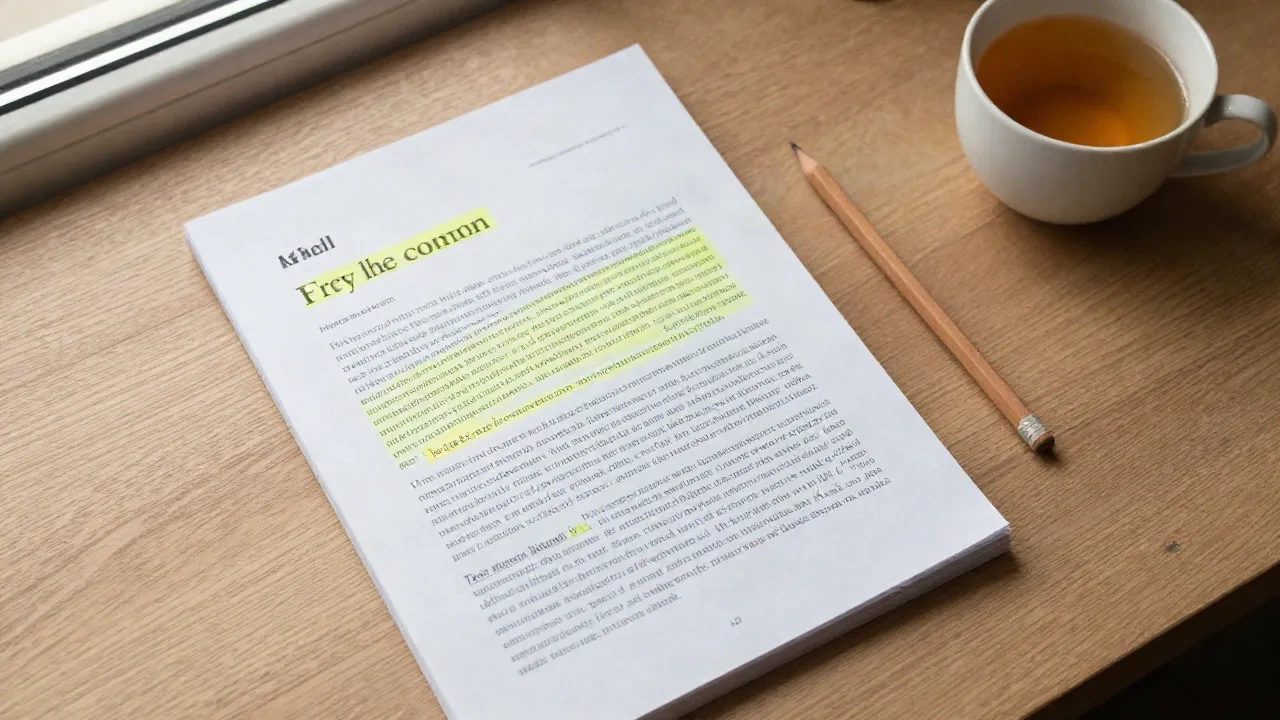
What happens to your text
It counts the topic words
The tool lowercases your text, removes common words such as the, and, and with, and counts how often each remaining word appears. The words that come up most often describe what the document is about.
It scores every sentence
Each sentence earns points for the topic words it contains. Very short lines, such as headings, are ignored. Very long sentences are scored down, and the opening sentence gets a small bonus because it usually states the subject.
It keeps the best and skips repeats
The top sentences are returned in their original order, so the summary reads like the source. A sentence that repeats the same words as one already chosen is dropped, which keeps the result from saying one thing twice.
From PDF to summary in four moves
-
1
Open the PDF and copy the text
Select all with Ctrl+A or Cmd+A, then copy. If the PDF is long, copy only the chapters you need.
-
2
Paste it into the box
Remove page numbers or a table of contents if you notice them. They are short lines and mostly get ignored anyway.
-
3
Choose length and format
Three sentences suit a quick triage. Eight sentences suit a report you will act on. Bullets scan faster, and a paragraph reads better.
-
4
Read the result, then decide
If the summary answers your question, you are done. If it points to a section that matters, go back to the PDF and read that part in full.
A summary is a map, not the territory
A good extractive summary tells you where to slow down. It will not replace a careful read of a contract, a study, or anything you are about to sign or cite. Use it to sort a pile of documents into three groups: the ones you can skip, the ones you can skim, and the ones that deserve an hour.
- Triage a stack of reports before a meeting
- Check whether a paper is on topic before you read it
- Pull the key sentences out of a long email thread
- Keep a short note next to each saved document
Common questions
Does this PDF summarizer upload my file?
Why do I paste text instead of uploading the PDF?
Is this an AI model?
How accurate is the summary?
Where does the reading time saved come from?
Which languages does it handle?
Can I use it on a scanned PDF?
Prefer to paste a link instead?
aisummary reads web pages for you and returns the essentials. The library stays yours.