Notetaking AI That Builds Real Files
Meetings pile up the same way articles do. TicNote turns recordings, PDFs, and videos into files you can actually use, not another summary to skim.
What changes when notes become files
Capture without a bot
A Chrome extension listens on Google Meet, Teams, or Zoom. Nothing joins your call as a visible guest.
One project, three sources
Meetings, PDFs, and YouTube videos sit side by side. The AI reads across all of them at once.
Real files, not walls of text
Shadow Agent turns a project into a report, a slide deck, or a dashboard, ready to send, not reread.
Every claim links back
Click a line in the output and jump to the exact moment it came from. Nothing to take on faith.
120 languages transcribed
Recordings in most working languages come out as clean, searchable text within minutes.
Searchable meeting history
Stop scrolling old recordings to find one decision. Search the text instead of reliving the call.
The numbers behind the backlog
Meetings pile up like unread articles
A call ends and the notes live in three places: a shared doc nobody finishes, a voice memo nobody replays, a memory that fades by Friday. TicNote's Chrome extension listens on Meet, Teams, or Zoom without joining as a visible bot, then hands back a transcript in up to 120 languages. Search it. Quote it. Never scroll a recording again to find one sentence someone said in passing.
- No bot invited to the call
- Transcript searchable within minutes
- Works across Meet, Teams, and Zoom
One project turns into a real file
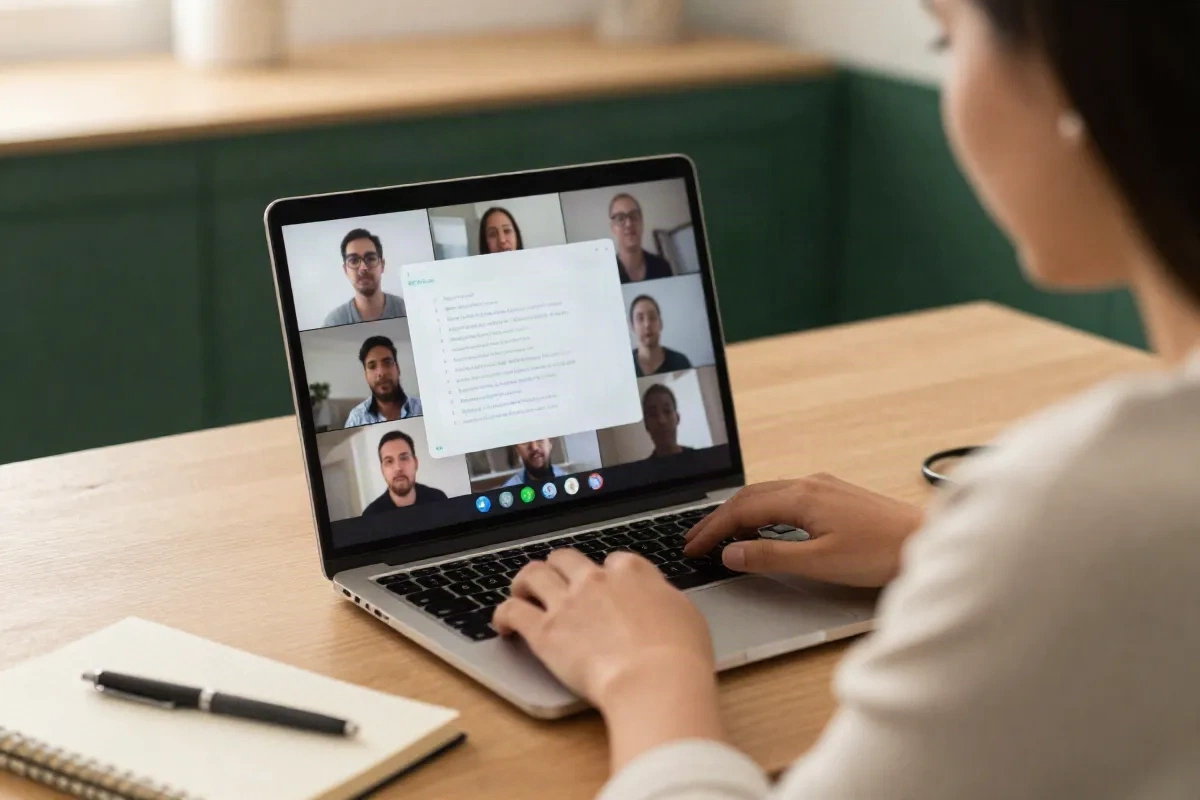
The harder problem is not capturing the meeting. It is turning six sources, three calls, two PDFs, one YouTube keynote, into something a client or a teammate can actually open. Shadow Agent reads everything inside a project and produces an actual file: an editorial calendar, an interactive dashboard, a slide deck, a strategic report with citations that click back to their source. Not a summary you still have to rewrite by hand.
- PDFs and YouTube videos as sources
- Slides, dashboards, and reports as output
- Every citation clickable to its source
TicNote vs. plain transcription tools
Most meeting tools stop at a transcript. TicNote starts there.
| Feature | TicNote | Otter.ai | Notion AI |
|---|---|---|---|
| Meetings, PDFs, and YouTube as one project | Yes | No | No |
| Generates real files (slides, dashboards, reports) | Yes | No | Partial |
| No bot joins the call | Yes | No | N/A |
| Clickable source citations | Yes | No | No |
| Up to 120-language transcription | Yes | Partial | N/A |
Simple pricing, honest limits
Free covers occasional use. Paid plans run from about $15 to $29 a month depending on usage.
Free
for occasional meetings
- 300 minutes of transcription per month
- Meetings, PDFs, and YouTube as sources
- Chrome extension, no bot invited
- Searchable transcripts
Pro
for people who live in meetings
- Unlimited meeting transcription
- Shadow Agent: generate reports, slides, dashboards
- Clickable citations back to the source
- Up to 120-language transcription
Common questions
What is notetaking AI supposed to do that a normal recorder does not?
Does TicNote listen to my calls through a bot in the meeting?
Can I add a PDF or a YouTube video instead of a meeting?
How is this different from pasting a transcript into a summarizer?
What does TicNote actually cost?
How many languages does the transcription support?
Do I need to know how to prompt an AI well to get good output?
Stop rewriting your own meetings
Free for up to 300 minutes a month. No card required, no bot in your calls.