Otter AI vs Fireflies: which fits your reading pile
Summary
This Otter AI vs Fireflies comparison looks at what each tool does after a call ends: how accurate the transcript is, what the free tier actually allows, and how much reading you still have to do afterward. Otter favors simple, accurate transcripts with strong mobile apps. Fireflies leans into conversation intelligence and CRM integrations for sales teams. Fireflies wins on aggregate reviews and feature depth; Otter wins on staying out of your way.
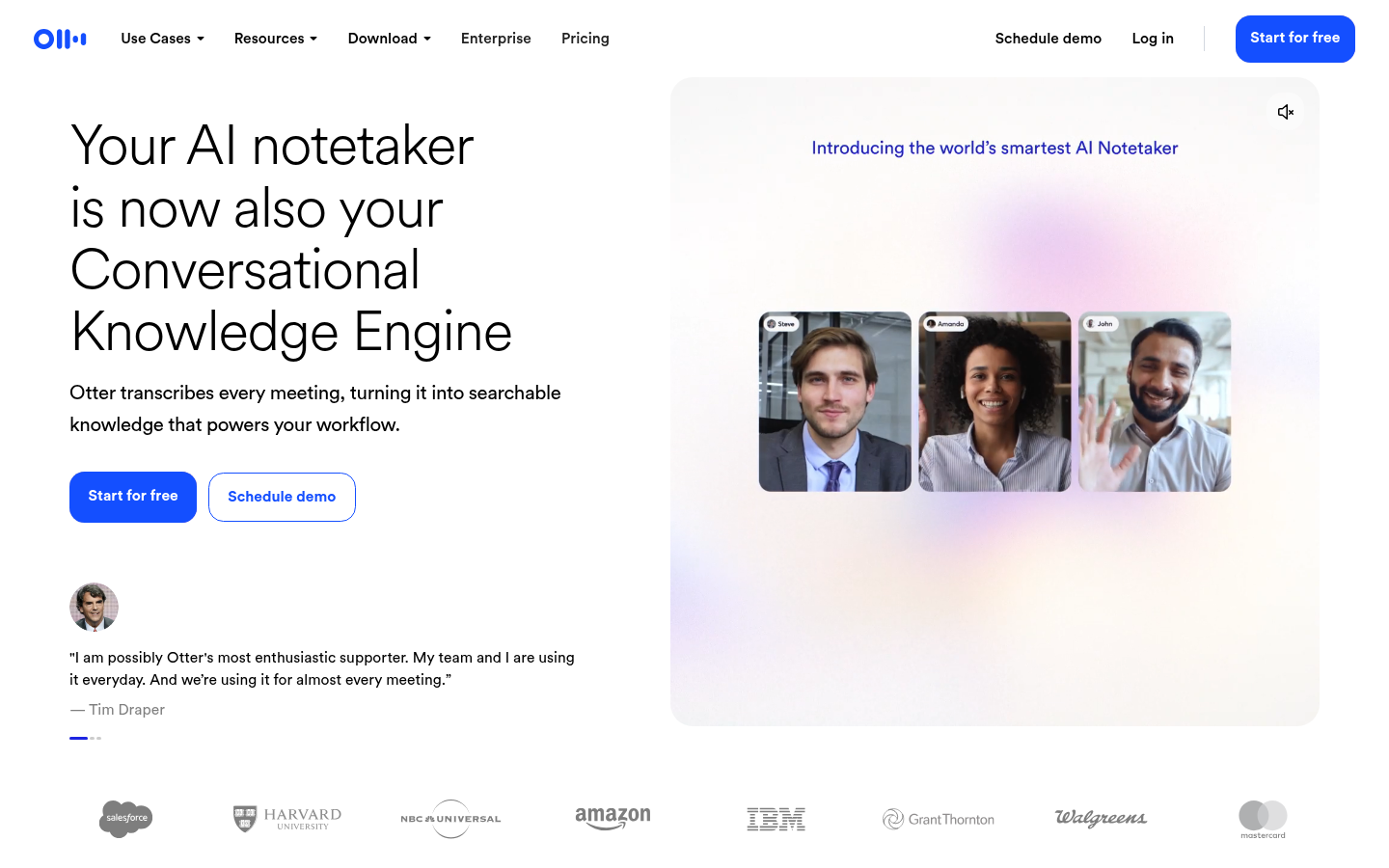
Otter.ai
- Live transcription and captioning inside Zoom, Meet and Teams as the meeting happens, not after
- Speaker identification with word-level highlighting makes transcripts fast to skim afterward
- Mature mobile apps on iOS and Android, with widgets and Siri shortcuts, not an afterthought
- Free tier caps every meeting at 30 minutes, tight for longer syncs or workshops
- AI Chat query allowance stays capped even on the paid Business plan, at 200 per user monthly
Best when you want a fast, accurate transcript and nothing else bolted on top.
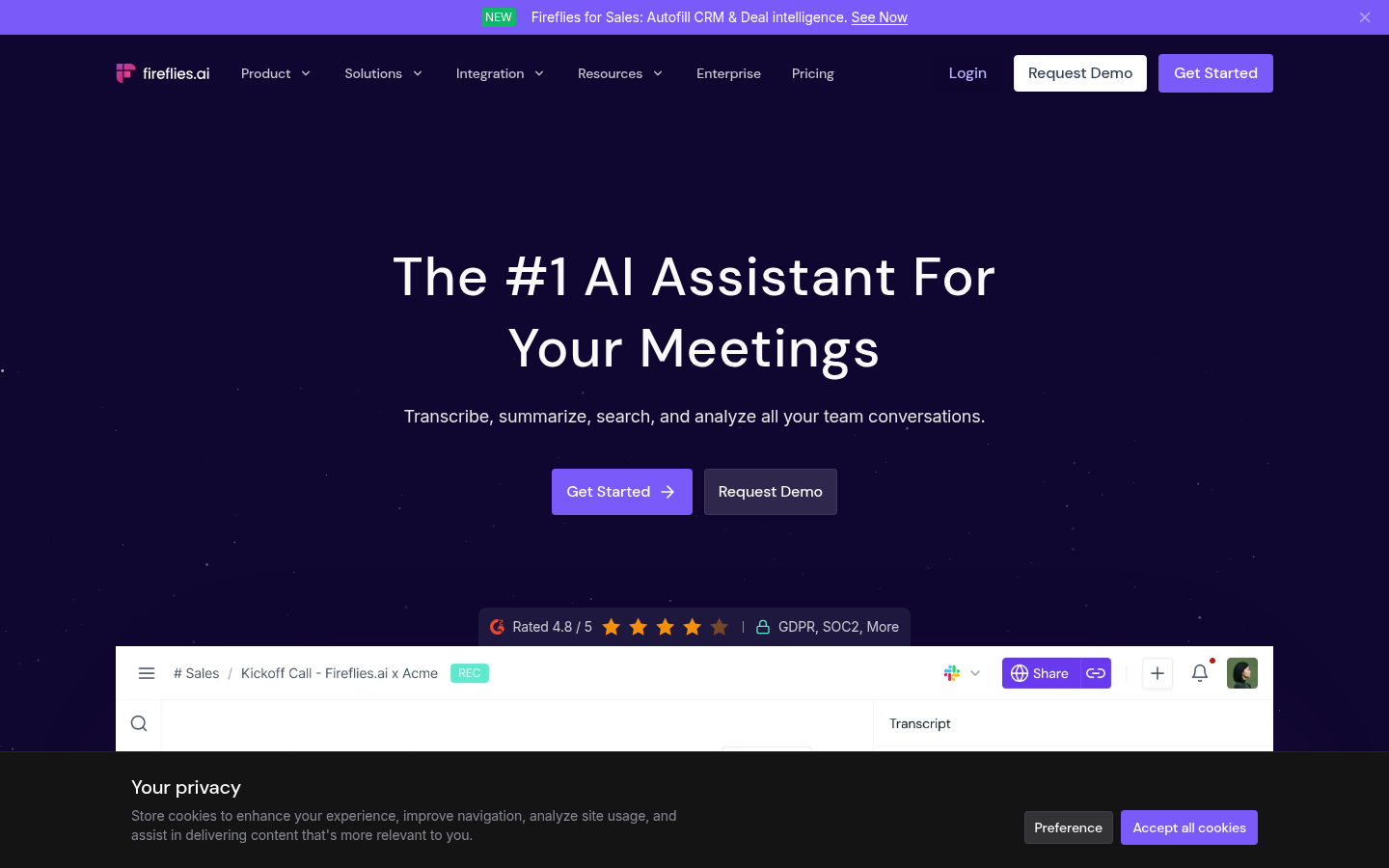
Fireflies AI
- Joins Zoom, Google Meet and Teams automatically and transcribes in more than 60 languages
- Conversation intelligence tracks talk-time ratio, sentiment and topics for sales reviews
- Deep CRM integrations with Salesforce and HubSpot, plus Zapier and Slack automations
- AI credit system on paid tiers limits how many AI summaries you can generate each month
- An automatic bot joining the call can feel intrusive in smaller or informal meetings
Best when meetings feed a sales or revenue process, not just a personal archive.
At-a-glance
| Otter.ai | Fireflies AI | |
|---|---|---|
| Starting paid plan | $8.33-16.99/mo per user (Pro, billed annually) | $10-18/mo per user (Pro, billed annually) |
| Free tier limit | 300 transcription minutes/month, 30-minute cap per meeting | 800 minutes of storage/month, limited AI summary credits |
| CRM and workflow integrations | Zoom, Google Meet, Teams; light Slack and Zapier support | Salesforce, HubSpot, Zapier, Slack and 50+ app integrations |
| Transcription languages | English-first, limited multilingual accuracy | 60+ languages, built for global sales teams |
| Aggregate rating (G2 / Capterra) | 4.4/5 on G2 (500+ reviews), 4.4/5 on Capterra | 4.7/5 on G2 (700+ reviews), 4.9/5 on Capterra (247 reviews) |
Verdict
Fireflies wins this one on the numbers that matter across a whole team: a higher aggregate rating, wider language support, and integrations that plug straight into a CRM. Otter still makes sense for one person who wants a clean transcript and nothing more to configure.
How we tested
We compared the current pricing pages, product documentation and in-app feature claims for Otter and Fireflies as published in July 2026, then cross-referenced those claims against aggregate review data from G2 and Capterra (over 500 verified reviews for Otter, over 700 for Fireflies) to see where reviewer experience and vendor marketing diverge. This is a desk comparison built on public sources and reviewer consensus, not a multi-week live test of both tools inside the same team; where the two disagree, we say so rather than repeat the vendor line.
Otter AI vs Fireflies both promise to remove note-taking from a meeting. After a call, Otter hands you a clean transcript with speaker labels; Fireflies hands you a transcript plus a conversation-intelligence layer built for sales teams. Fireflies edges ahead on aggregate reviews and integration depth. Otter edges ahead on staying simple. Pick the one that matches what you actually do after the call ends, not the one with more logos on its integrations page.
The core difference: transcript versus conversation layer
Otter treats a meeting as text to be captured accurately and searched later. The live transcript appears inside Zoom, Google Meet or Teams while people are still talking, with word-level speaker highlighting that makes the recording easy to skim afterward. There is no layer sitting between the audio and the words on your screen.
Fireflies treats a meeting as a data source. The transcript is the starting point; on top of it sits talk-time ratio, sentiment tracking and topic detection, feeding a CRM record rather than a personal archive. That is the whole shape of the decision: personal reading tool versus team reporting layer.
Both companies describe their product as an AI assistant, but the phrase means something different in each case. Otter's assistant answers questions about a transcript you already have open. Fireflies' assistant is closer to a junior analyst who watches every call and files a report, whether or not anyone asked for one that week.
Pricing: what the free tier actually gets you
Otter's free Basic plan gives 300 transcription minutes a month, but caps every individual meeting at 30 minutes, which shows up fast in longer workshops. Paid Pro runs $8.33 to $16.99 a month per user depending on billing cycle, and Business moves to $19.99-$30 per user with unlimited meeting length.
Fireflies' free plan allows 800 minutes of storage a month with a limited AI summary credit pool. Pro costs $10-18 a month per user, Business runs $19-29 per seat, and Enterprise adds SSO and custom security for $39 per seat. Neither company makes its cheapest tier comfortable for heavy daily use; both expect you to move up within a quarter.
The billing pattern is nearly identical too: both quote a lower monthly rate if you pay annually, and both charge per seat rather than per workspace, so a five-person team pays five times the listed price on either tool. If your team is evaluating both on a spreadsheet, the annual Pro tier is close enough in raw dollars that the deciding factor should be the feature gap, not the invoice.
Where Otter is stronger
Otter's live captioning inside the call itself is still the most reliable version of that feature on the market, and its mobile apps are unusually mature for a transcription tool: home-screen widgets, Siri shortcuts, offline playback. For someone who records four or five short calls a week and wants a searchable transcript with no extra layer, Otter does exactly that and stops.
Its AI Chat feature, which lets you ask questions across your transcript library, stays capped at 200 queries a month even on the Business tier. If your reading pile is meetings, Otter keeps that pile small and simple rather than trying to summarize it away for you.
Otter also tends to hold up better in noisy or informal settings: classroom lectures, community calls, in-person interviews recorded on a phone. None of that traffic touches a CRM, and Otter's product decisions clearly assume it does not need to.
Where Fireflies is stronger
Fireflies automatically joins Zoom, Meet and Teams calls, transcribes in more than 60 languages, and routes the output into Salesforce, HubSpot, Zapier or Slack without much setup. For a sales or customer success team, the conversation-intelligence metrics (who talked how much, what topics came up, what sentiment shifted) turn a stack of calls into something a manager can actually review in ten minutes instead of forty.
The tradeoff sits in the AI credit system: paid tiers cap how many AI-generated summaries you can pull each month, and the automatic bot that joins your call to record it can feel intrusive in a small or informal meeting where nobody expects a visible recorder.
The search experience inside Fireflies also shows its age next to newer entrants: finding one specific moment across a hundred stored calls takes more clicking than it should, even though the underlying transcript search itself is accurate. For a manager reviewing a handful of calls a week, that friction is minor. For someone managing an archive of thousands of calls, it adds up.
How the two change your reading pile afterward
Neither tool erases the reading. Otter gives you a transcript to skim; Fireflies gives you a transcript plus a summary plus a set of metrics, which is more to read per meeting even though each individual summary is shorter. If your actual goal is fewer things to read, not more dashboards to check, that distinction matters more than either company's feature list suggests.
Worth noting: tools like TicNote take a third approach, turning meeting sources into exportable files (calendars, reports, slides) instead of another summary to read. It sits outside this head-to-head, but it is the closest thing to an answer for someone who finds both Otter and Fireflies still leave too much to read afterward.
Who should not use either one
If your meetings are mostly one-on-ones or small internal syncs with no sales or client component, both tools are arguably too much. A free transcription app that does nothing but transcribe, with no dashboard, credit system or CRM sync to think about, will cover that case with less overhead. The two tools in this comparison earn their subscription when meetings generate work that needs to be tracked, not when they are simply conversations worth remembering.
Our pick, and why it might not be yours
Fireflies wins on the numbers most people would check first: a 4.7 out of 5 on G2 from over 700 reviews against Otter's 4.4 from over 500, wider language coverage, and integrations that plug straight into a CRM without a Zapier workaround. For any team where meeting notes need to reach a manager or a pipeline, that is the more useful default.
Otter still wins for the reader who wants one job done well: an accurate transcript, live captions during the call, and a mobile app that behaves like a mobile app. If your calls do not feed a sales process, the extra machinery in Fireflies is mostly unused surface area.
How we compared them
We read the current pricing pages and product documentation for both tools as published in July 2026, then checked those claims against G2's Otter reviews and G2's Fireflies reviews, where hundreds of verified users describe what actually breaks in daily use. This is a desk comparison built on public sources and reviewer consensus, not a live multi-week test run inside the same team. Where reviewer experience and vendor marketing disagreed, we noted the gap rather than repeat the pitch.
Neither tool is wrong for what it sets out to do. The question worth asking before you subscribe is whether your meetings are personal reading material or team reporting material. That answer picks the tool faster than any feature comparison can.