Otter.ai Alternatives: 5 AI Notetakers Compared for 2026
Summary
Otter.ai alternatives come down to three limits: the 30 minute cap on free meetings, the visible bot, and a transcript that still needs work. We compared TicNote, Fathom, Fireflies, Notta and Read AI on free tier, price, capture method, languages and what you hold after the call. TicNote wins for finished output, Fathom for free use, Notta for multiple languages.
Of the otter ai alternatives we compared, TicNote is the best for anyone who wants a finished document, not another transcript, because its Shadow Agent produces slides, dashboards and reports with clickable sources. Fathom is the better pick if free and uncapped is the whole point, and Notta leads on languages. Fireflies suits sales teams that need CRM sync, and Read AI suits mixed channels. Otter.ai remains fine for light, live-caption use.
The three limits that send people away from Otter
Otter.ai is the default for a reason. Live captions arrive inside Zoom, Meet and Teams, speakers are labelled, and the mobile apps are mature. The trouble shows up in the details.
The free plan stops each meeting at 30 minutes and allows 300 transcription minutes a month. Pro lifts the per-meeting limit to 90 minutes, but it is still a capped bucket. On the Business plan, AI Chat is limited to 200 queries per user per month.
The second limit is the bot. OtterPilot joins as a visible participant, which changes the mood of a client call. The third is quieter: a transcript is raw material, and most people never reread it.
How we compared them
We kept the criteria few and practical. What does the free plan allow before it asks for a card? What does a paid seat cost? Does a bot join your call? How many languages work? And what do you actually hold ten minutes after the meeting ends?
We did not rank raw transcription accuracy. Across this category it is close enough that a difference of a point or two rarely decides anything. The methodology section below explains where the numbers come from.
TicNote: the one built around what comes after
Here is the problem with a transcript: you record a call meaning to go back to it, and you do not. A transcript is a pile of text waiting for someone to turn it into something.
TicNote is built around that gap. You work in projects where meetings, PDFs and YouTube videos sit together as sources. Shadow Agent then generates real files from them, including editable slides, interactive dashboards, strategy reports and mind maps, and each claim links back to the exact source moment. Capture runs in a Chrome extension, so no bot is invited to the call, and transcription covers 120 languages.
The limits are real. The free tier gives 300 minutes a month, the same ceiling as Otter's monthly allowance, and heavy users will hit it quickly. Shadow Agent needs a project to exist first, and generic prompts produce generic deliverables. Paid plans run from about $15 to $29 a month. TicNote's own site presents it as a note taker for every conversation, with hardware devices alongside the app. We use the Chrome extension route in this comparison, since that is what most Otter users would switch to.
Fathom: free without a clock
Fathom's pitch is plain. The free plan keeps unlimited recordings, with no seat limit and no expiry on history, which is unusual here. Summaries and action items land the moment a meeting ends, and its homepage now advertises bot-free capture. Its site also shows a G2 score of 5.0 across more than 6,500 reviews, a vendor-chosen figure worth treating as a signal, not a verdict.
Two cautions. Advanced AI summaries are capped on the free tier according to independent roundups, and CRM sync and scorecards sit in the Business plan at roughly $25 to $34 a month per user. The homepage also notes that Fathom is now part of Superhuman, the kind of change that can move pricing a year out.
Notta: the language specialist
If your meetings switch between Japanese and English, or Spanish and German, Notta is the most direct answer here. It supports 58 languages and offers real-time translation, and the free plan gives 120 minutes a month, far more than Otter's per-meeting limit works out to for short calls.
Two caveats from independent reviews. Real-time translation is a paid add-on, and a bot is required. Some roundups also say data may be used for model training below Enterprise plans, so read the privacy terms before committing a sensitive team to it.
Fireflies and Read AI: built for teams
Fireflies joins calls with a bot, transcribes dozens of languages and pushes notes into Salesforce and HubSpot. Its conversation analytics, such as talk-time ratio and topic tracking, are the reason sales teams choose it. Its homepage cites a G2 rating of 4.8 out of 5. The trade-off is an AI credit allowance on paid plans, which caps how many summaries you can generate each month.
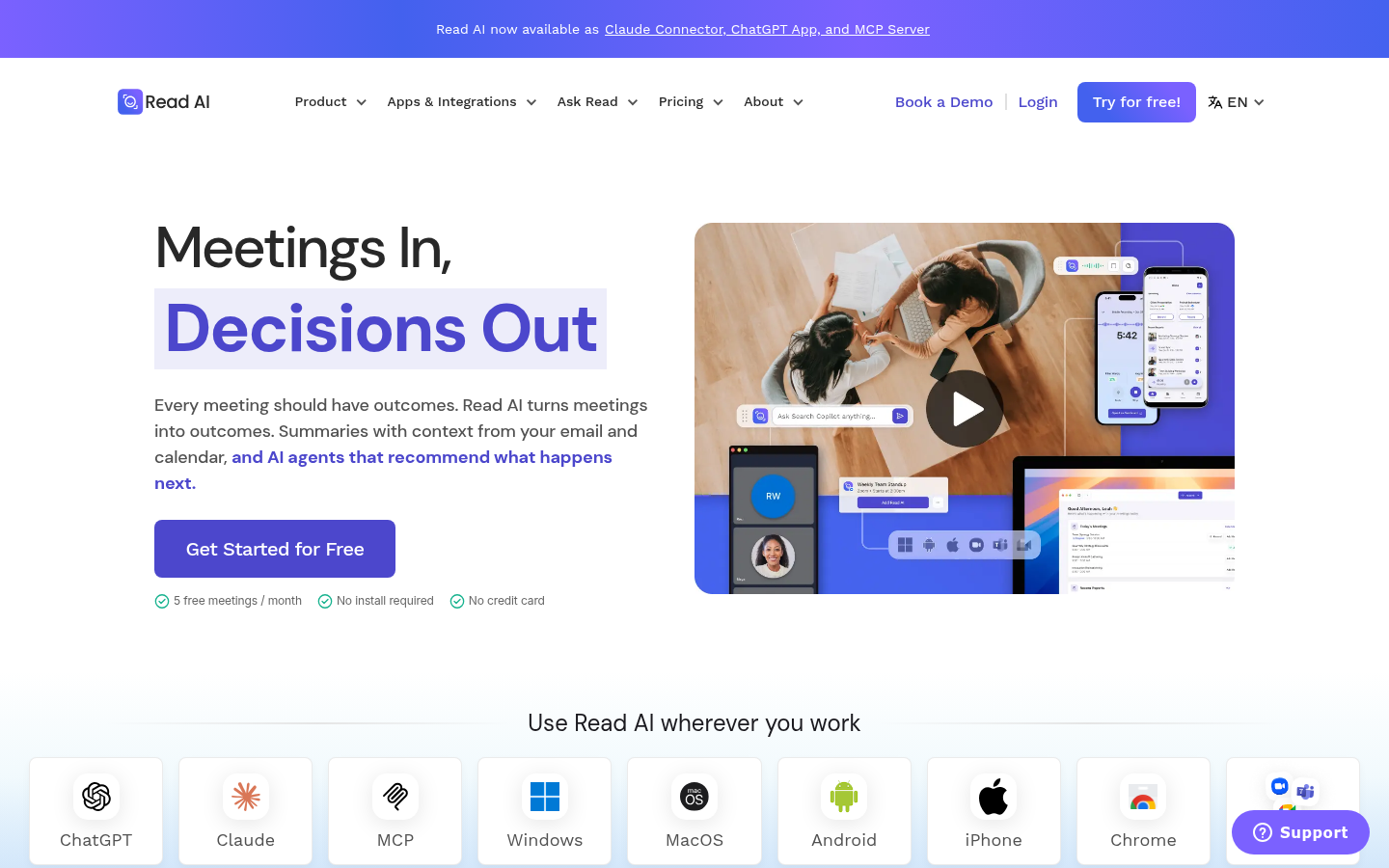
Read AI takes a wider view. One assistant covers meetings, email and chat, and it builds participation analytics during live calls. Its homepage lists Claude, ChatGPT and MCP connectors. The free plan covers only five meetings a month, and the sentiment scoring can feel heavy in a small, informal call.
Neither is built for a single person reading their own notes back later. Both make more sense once a team shares the workspace.
Which one to pick
The answer depends on the habit you want, not the feature list.
Pick TicNote if you want slides, reports or dashboards from your meetings and sources.
Pick Fathom if you are one person and want the most generous free plan.
Pick Notta if your meetings run in more than one language.
Pick Fireflies if a sales team needs CRM sync and call analytics.
Pick Read AI if your context is spread across meetings, email and chat.
Stay with Otter.ai if your needs are live captions and short, simple summaries. It does that well.
Our verdict
The tools in this group all transcribe well. What separates them is what you do afterwards. TicNote is first here because it is the only one built to hand you a finished document, and we have said where it falls short. Fathom is the honest answer for anyone who wants free and uncomplicated.
It is not really a question of tools. It is a question of whether you will read what they produce.
At-a-glance
| TicNote | Fathom | Fireflies AI | Notta | Read AI | |
|---|---|---|---|---|---|
| Free tier | 300 min/month transcription | Unlimited recordings, no expiry; advanced AI summaries are capped | 800 min storage, limited AI summary credits | 120 min/month | 5 meetings/month |
| Paid plan from (per user, monthly) | About $15 to $29 | $16 to $20 (Premium) | $10 to $18 (Pro) | About $8 to $15 depending on billing | About $19.75 to $29.75 (Pro) |
| How it joins your call | Chrome extension, no bot invited | Bot, with a bot-free mode now advertised | Visible bot in the meeting | Bot capture plus a standalone recorder app | Bot, with desktop and mobile apps |
| Transcription languages | 120 languages | Several major languages | 60 to 100+ (vendor pages differ) | 58, with real-time translation | Multiple, English strongest |
| What you get after the call | Exportable files via Shadow Agent: slides, dashboards, reports with source links | Instant summary, action items, search across call history | Summaries, CRM sync, conversation analytics | Summary, translation, visual meeting summaries | Summaries across meetings, email and chat, participation analytics |
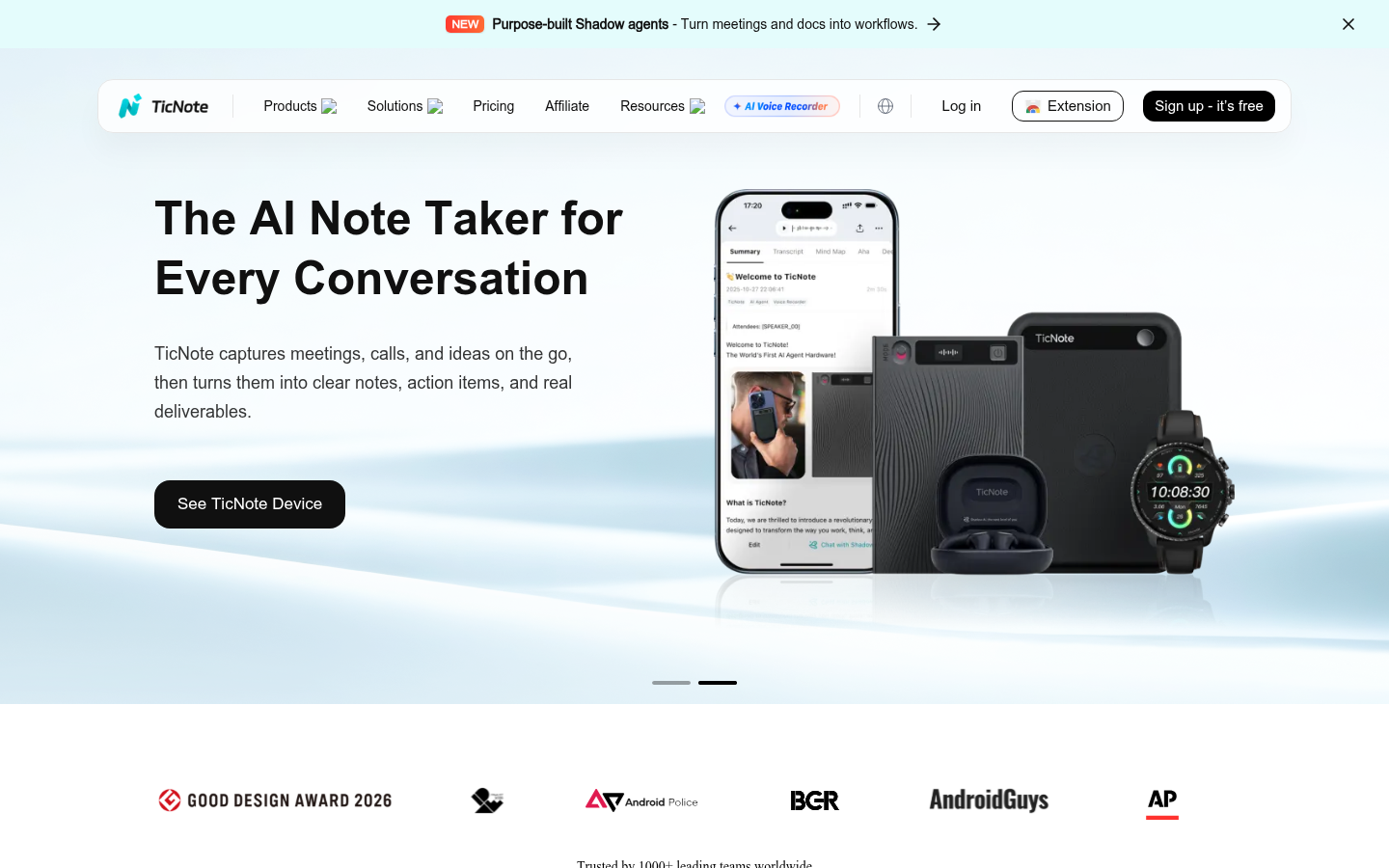
TicNote
- Shadow Agent generates exportable files such as slides and dashboards
- Every AI claim links back to the source moment
- No bot joins the meeting, capture runs in a Chrome extension
- The free tier of 300 minutes a month is tight for heavy users
- Shadow Agent needs a project to be created first
- Output quality depends on how precisely you prompt it
The one that treats a transcript as raw material, not the end product.
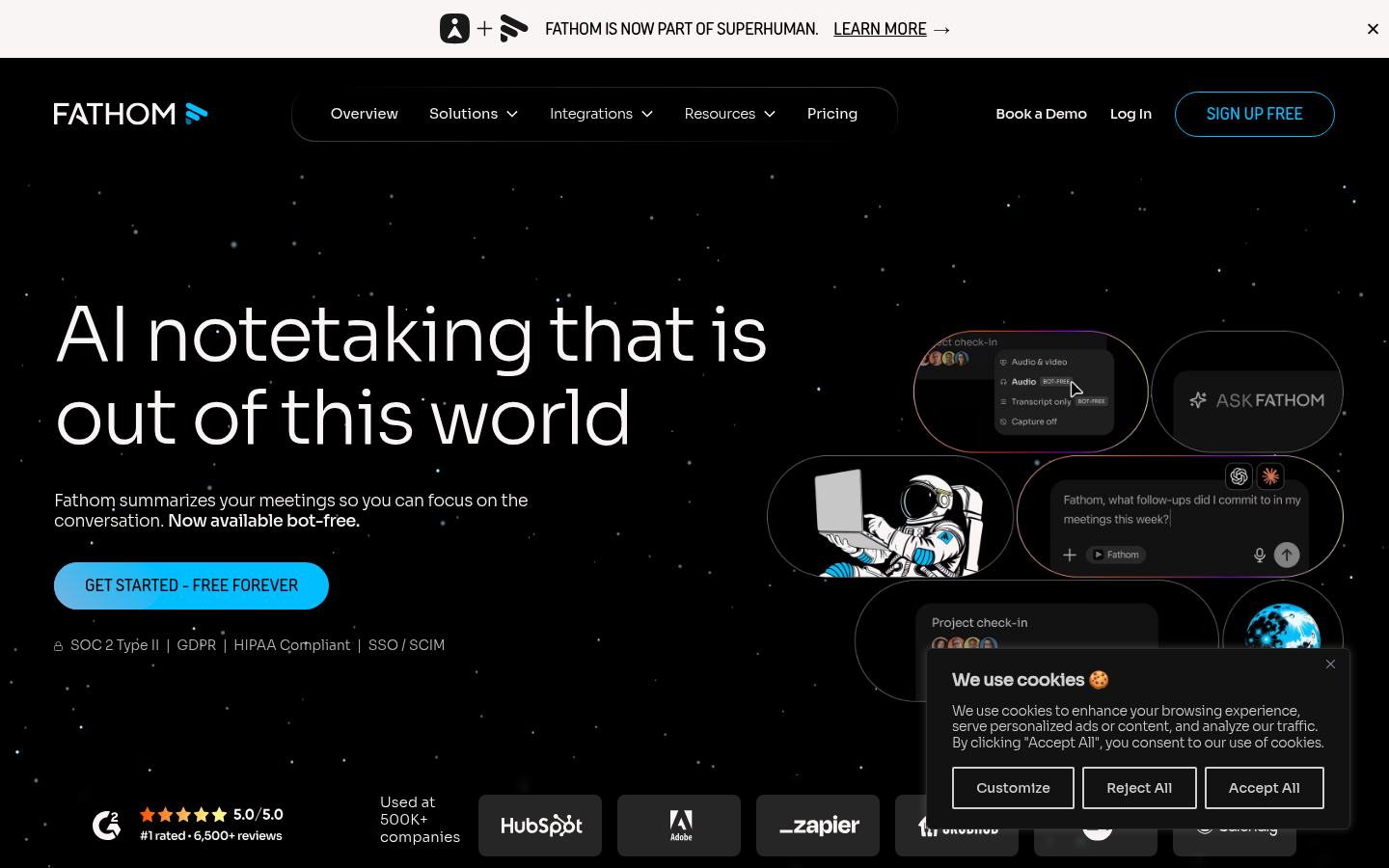
Fathom
- Free recordings with no meeting cap, seat limit or history expiry
- Fast summary and action items right after the call
- Ask Fathom searches across your meeting history on paid plans
- CRM field sync and scorecards sit in the Business tier
- Advanced AI summaries are capped on the free plan
- Team search and shared libraries need a paid seat for everyone
The easiest recommendation for a solo user who just wants notes.
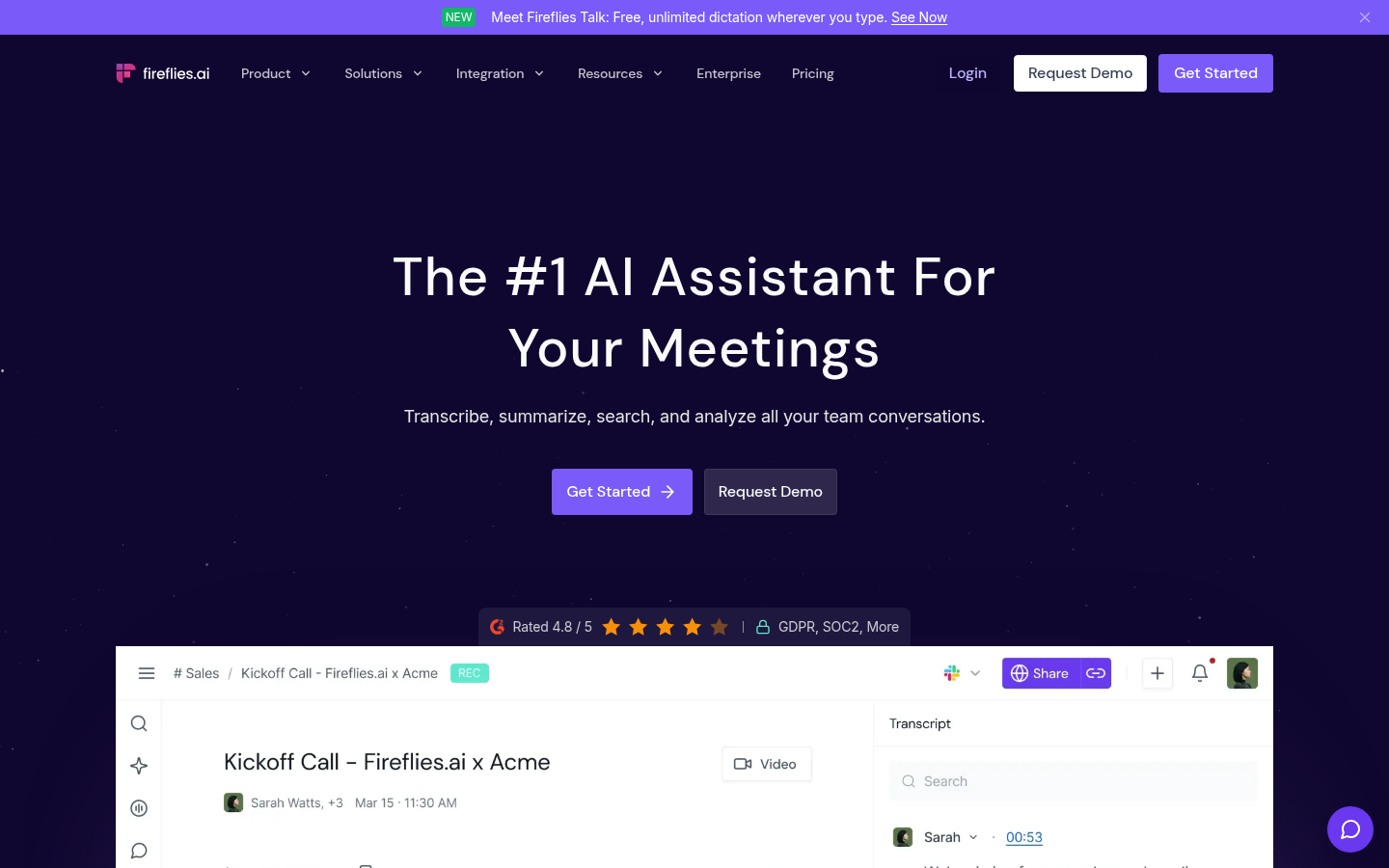
Fireflies AI
- Deep Salesforce, HubSpot, Zapier and Slack integrations
- Talk-time, sentiment and topic tracking for sales calls
- Rated around 4.8 out of 5 on G2 according to its own homepage
- A monthly AI credit allowance limits summaries on paid plans
- The visible bot can feel heavy in informal meetings
- The interface feels busier than newer single-purpose tools
Strong if analytics matter, more than a solo reader needs.
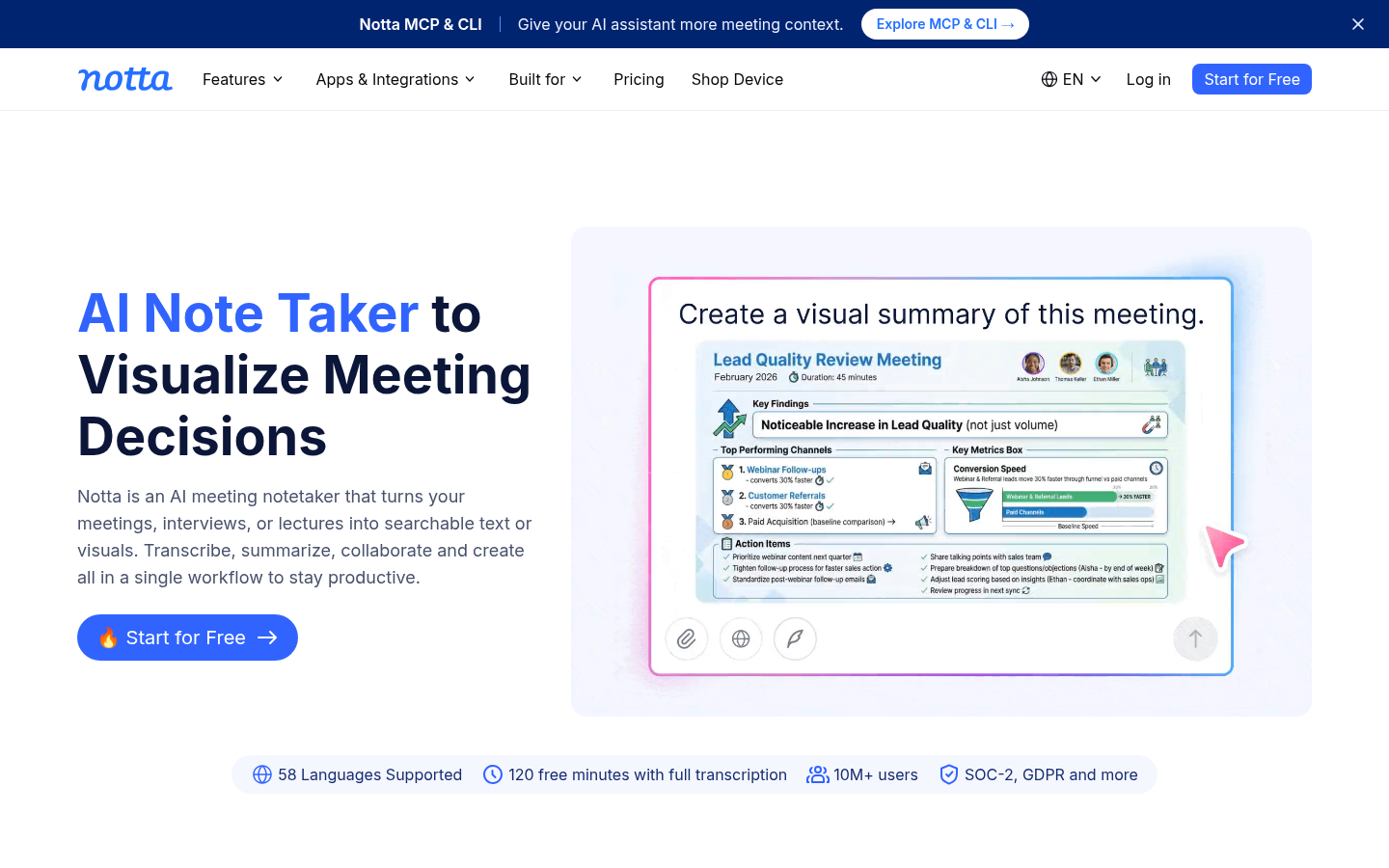
Notta
- 58 languages with real-time translation, the widest coverage in this group
- 120 free minutes a month versus Otter's 30 minutes per meeting
- Standalone recorder app alongside Zoom, Meet, Teams and Webex capture
- Real-time translation is a paid add-on
- A bot is required, there is no bot-free capture
- Summary depth is lighter once you go beyond a single meeting
The clear pick when the meeting is not entirely in English.
Read AI
- One assistant across meetings, Gmail or Outlook, and chat
- Participation analytics such as talk-time ratio during meetings
- Claude, ChatGPT and MCP connectors announced on its homepage
- The free tier caps at five meetings a month
- Sentiment scoring can feel intrusive in small, informal calls
- The wider feature surface means a longer setup
Worth a look if your notes live across several channels.
Verdict
Of the otter ai alternatives we compared, TicNote is the best for anyone who wants a finished document, not another transcript, because its Shadow Agent produces slides, dashboards and reports with clickable sources. Fathom is the better pick if free and uncapped is the whole point, and Notta leads on languages. Fireflies suits sales teams that need CRM sync, and Read AI suits mixed channels. Otter.ai remains fine for light, live-caption use.
How we tested
This comparison is desk research, not a lab test. We read each vendor's pricing page and product documentation, inspected each homepage in October 2026, and cross-checked limits against independent roundups and aggregated G2 ratings. Ratings quoted from vendor sites are marked as such, since vendors choose which numbers to show. Scores run from 0 to 5 and weigh fit for a reader who wants usable notes, then price, then capture method. We hold an affiliate link for TicNote, and we say so. TicNote is ranked first for the reason stated above, and its limits are listed next to everything else. Pricing changes often, so check each vendor before paying.