The Best AI Note Taking App in 2026, 6 Tools Tested
Summary
The best ai note taking app depends on where your conversations happen. Otter.ai and Fathom cover most video calls well: Fathom for its free plan, Otter for live in-meeting transcription. Fireflies fits sales teams syncing notes to a CRM, tl;dv suits teams reviewing calls for coaching, and Notion AI only makes sense if you already live inside Notion. TicNote is the outlier: a physical recorder and earbuds that capture in-person conversations no video bot can reach, then turn them into reports and slides, not just a transcript.
Six AI note takers, one shared test: real meetings, a real in-person recording, and pricing pages checked in July 2026.
At-a-glance
| Otter.ai | Fathom | TicNote | Fireflies AI | tl;dv | Notion AI | |
|---|---|---|---|---|---|---|
| Price (individual plan) | Free up to 300 min/mo; Pro from ~$16.99/mo (~$8.33 billed annually) | Free, unlimited recordings; Premium ~$16-20/mo (~$15 billed annually) | Device from ~$79 one-time + free cloud tier; unlimited plan ~$15-29/mo | Free, unlimited transcription (storage capped); Pro ~$10/seat/mo annual | Free, unlimited recording; Pro ~$18/mo (~$15 billed annually) | Notion plan from ~$10/mo, plus AI add-on ~$8-10/mo (or bundled in Business+) |
| What it captures | Joins Zoom, Meet, or Teams as a bot; mobile app for live in-person notes | Joins Zoom, Meet, or Teams calls only, no in-person mode | Physical recorder or earbuds capture any conversation, in person or on a call | Joins video calls as a bot; phone dial-in also supported | Joins Zoom, Meet, or Teams calls only | Transcribes meetings recorded or pasted inside Notion, does not join calls |
| Transcription languages | English-first, limited accuracy in other languages | Around 28 languages for live transcription | 120 languages, with on-device translation | 60+ languages | 40+ languages, including live translation | Depends on the underlying model, primarily English-optimized |
| Where it plugs in | Zoom, Meet, Teams, Slack, Salesforce (Business plan) | Zoom, Meet, Teams, HubSpot, Salesforce, Slack (paid tiers) | Chrome extension for calls, no bot invited; syncs to its own workspace, not a CRM | Zoom, Meet, Teams, Slack, HubSpot, Salesforce, Zapier, 6,000+ apps | Zoom, Meet, Teams, HubSpot, Salesforce, Slack, Zapier | Native to the Notion workspace, limited outside integrations |
| What you get out | Transcript, summary, action items, Otter Chat Q&A | Transcript, summary, highlight clips, Ask Fathom Q&A | Transcript, summary, plus generated reports, slide decks, and mind maps | Transcript, summary, tasks, CRM notes, AskFred Q&A | Transcript, summary, clips and highlights, coaching scorecards | A meeting notes page inside Notion, linked to docs and tasks |
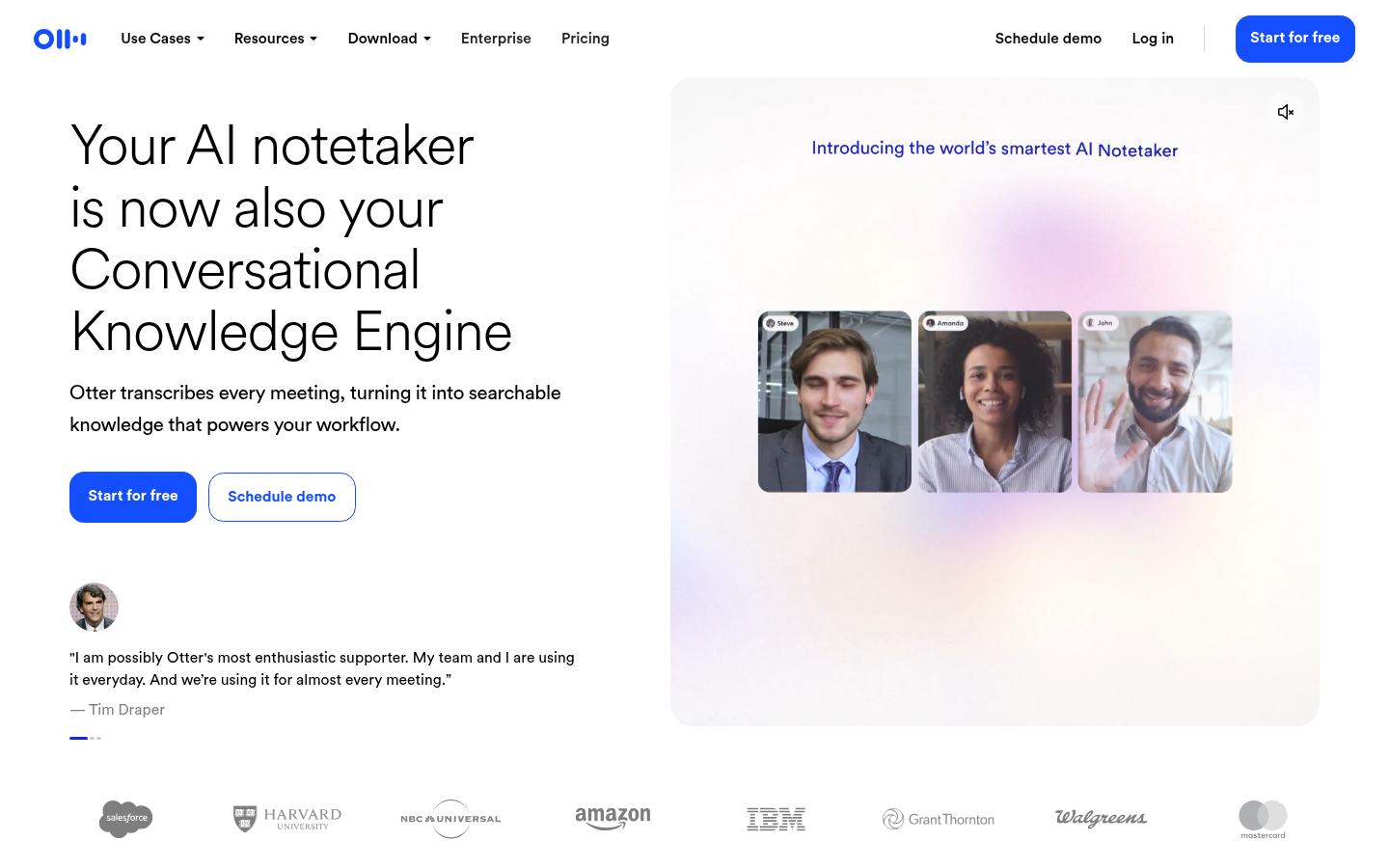
Otter.ai
- Real-time live transcription during the call, not only after it ends
- Otter Chat lets you ask questions about one meeting or a whole workspace
- Free tier covers 300 minutes a month, enough for occasional users
- Deep familiarity: most invitees already recognize the Otter bot joining a call
- Non-English transcription accuracy lags noticeably behind English
- Salesforce sync and other Business-tier features sit behind the $30/user plan
The safest default pick if your meetings live entirely on Zoom, Meet, or Teams.
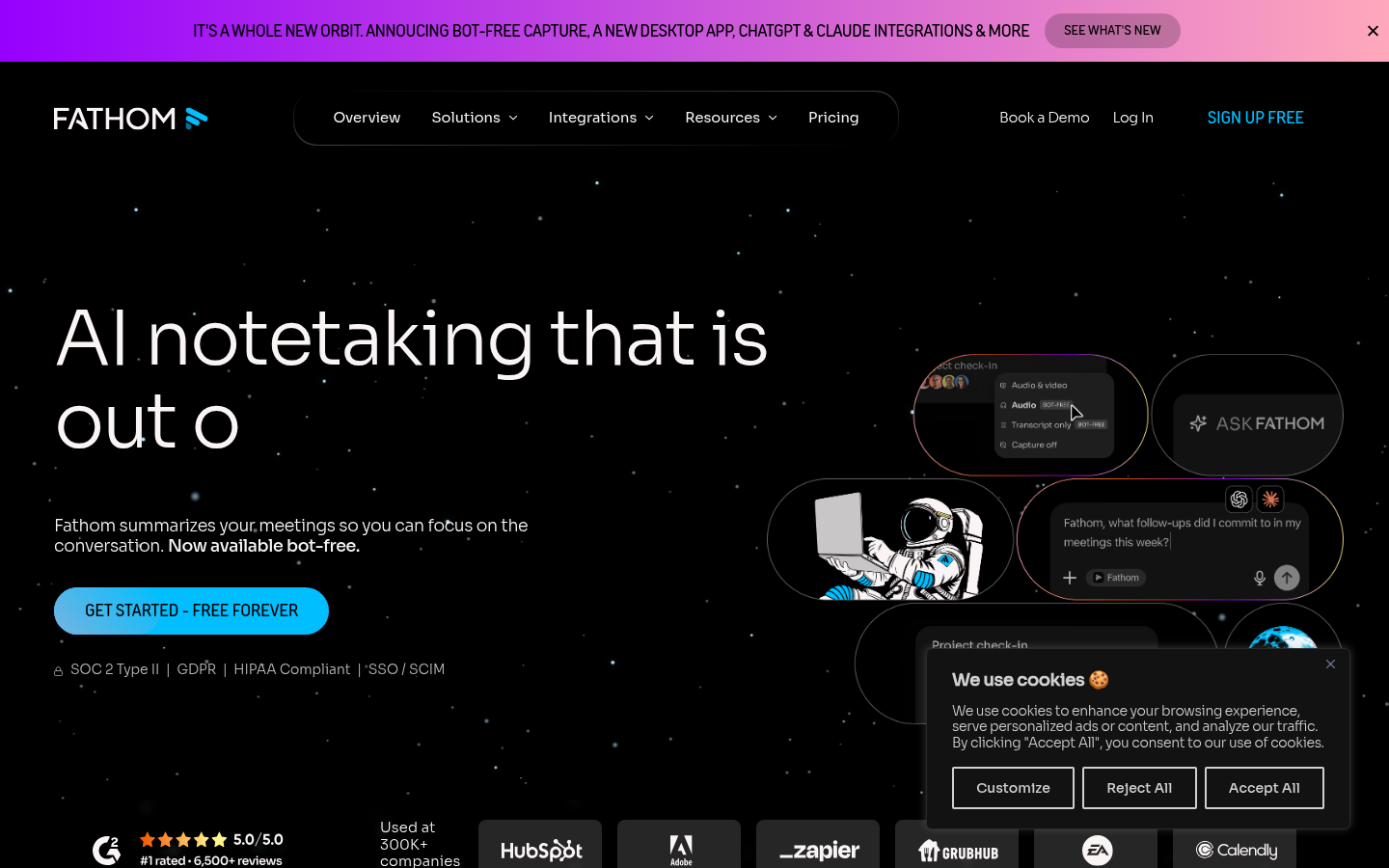
Fathom
- Free plan has no watermark and no minute cap on recordings
- Ask Fathom lets you query a single call or your entire call history
- Consistently high satisfaction scores on G2 and Capterra
- Setup takes under five minutes, no credit card required to start
- Team plans require a two-seat minimum, awkward for solo-to-small scaling
- Custom fields and CRM sync are gated behind the paid Business plan
The most generous free plan of the six, with no meaningful catch.
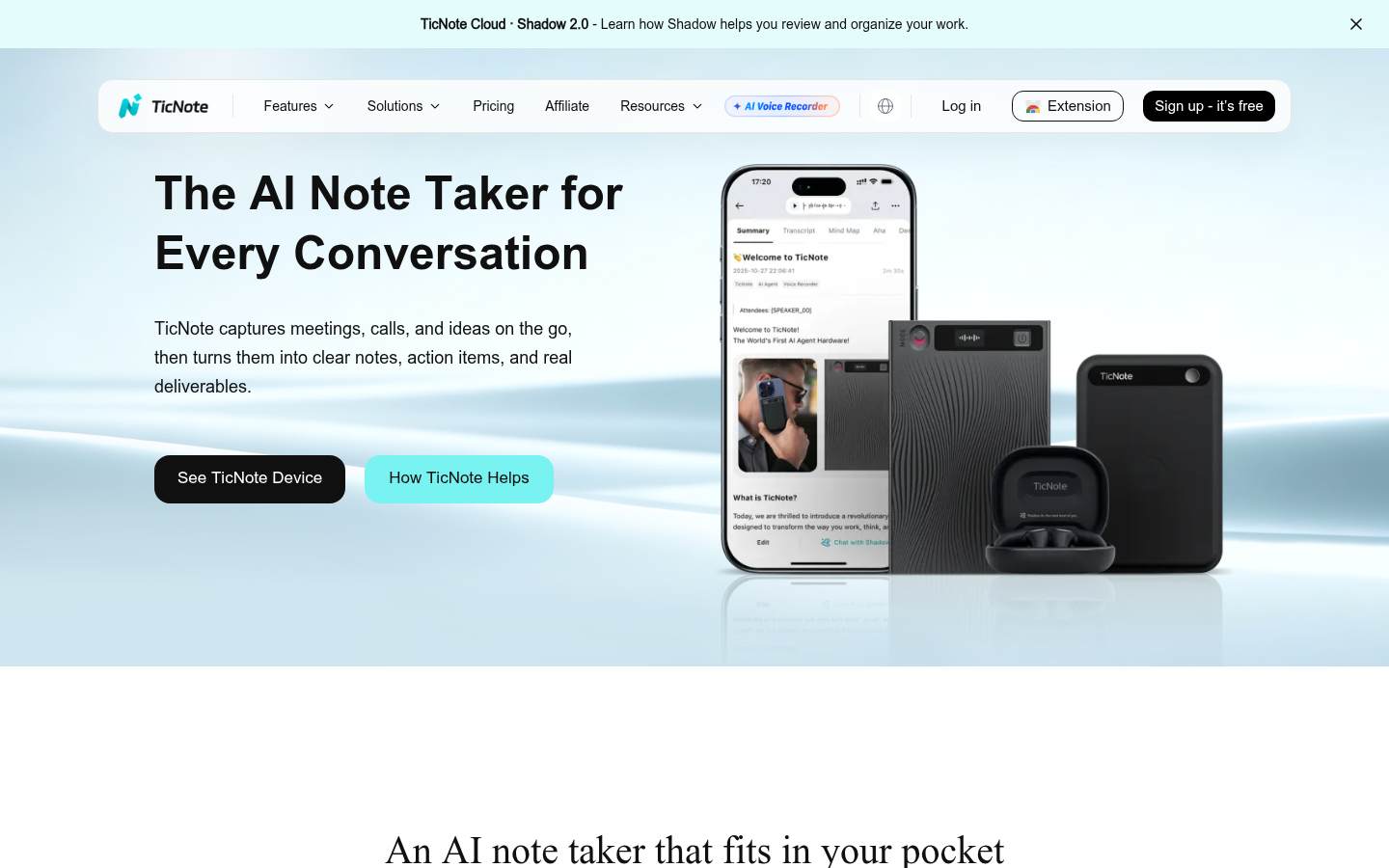
TicNote
- Captures conversations a video bot cannot reach, since the recorder or earbuds travel with you
- Generates actual deliverables (reports, slide decks, mind maps), not only a transcript
- Chrome extension mode joins Meet, Teams, or Zoom without inviting a visible bot
- Recordings and transcripts stay private by default, with on-device processing where possible
- Full capture requires buying a physical recorder or earbuds, not just a software signup
- The free cloud tier caps at 300 transcription minutes a month, the same ceiling as Otter's free plan
- Getting a genuinely useful report or slide deck out of it takes a specific prompt, not a one-click default
The only tool here built for conversations away from a screen, at the cost of needing hardware.
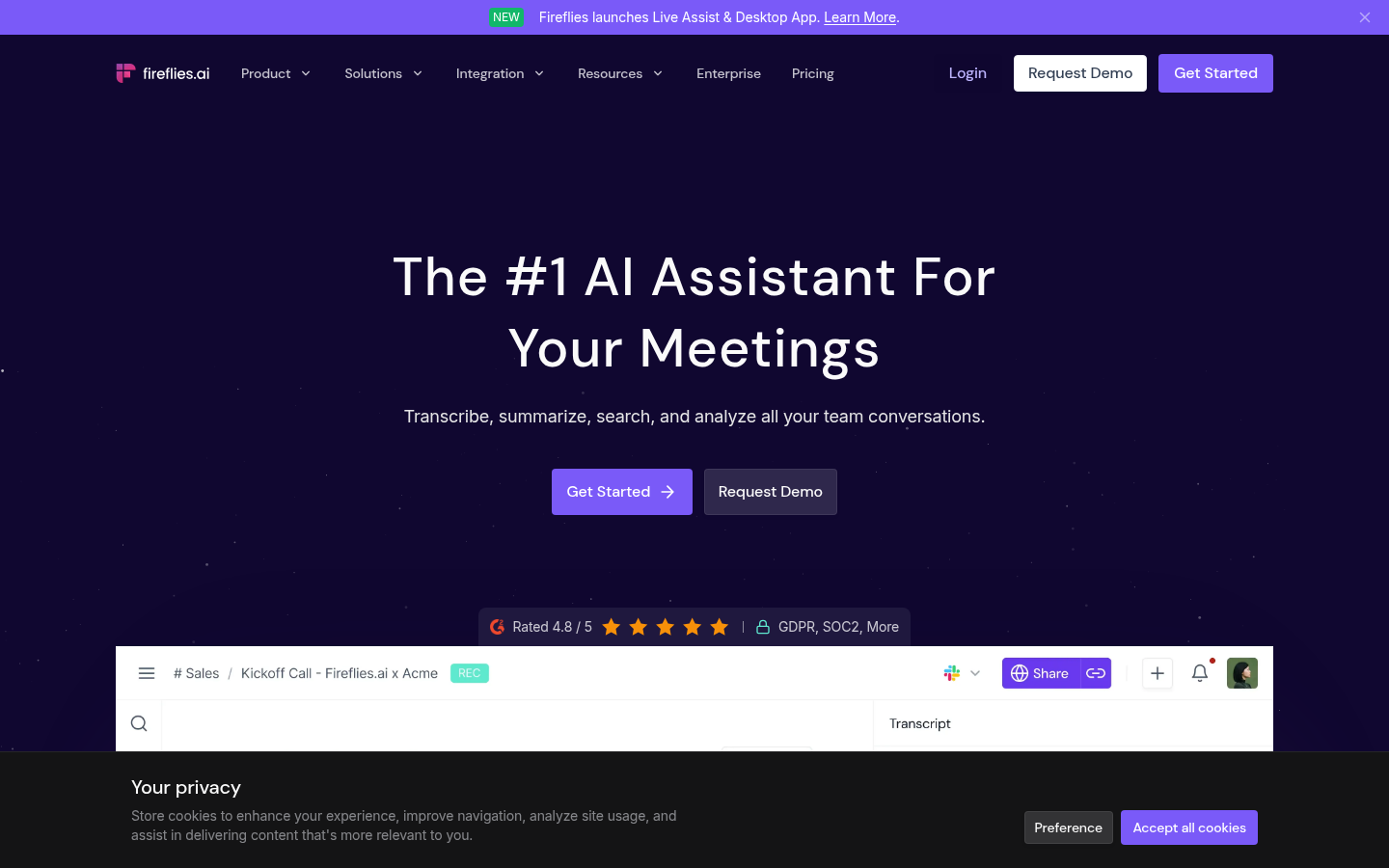
Fireflies AI
- Free plan includes unlimited transcription, only storage is capped
- Syncs notes directly into Salesforce and HubSpot without a manual export step
- AskFred lets you search across every meeting your team has ever recorded
- Widest integration list of the six, with over 6,000 apps via Zapier
- Storage limit on the free plan means older recordings eventually age out
- Interface has grown busy as Fireflies added chat, email, and workflow features
The strongest pick when meeting notes need to reach a CRM automatically.
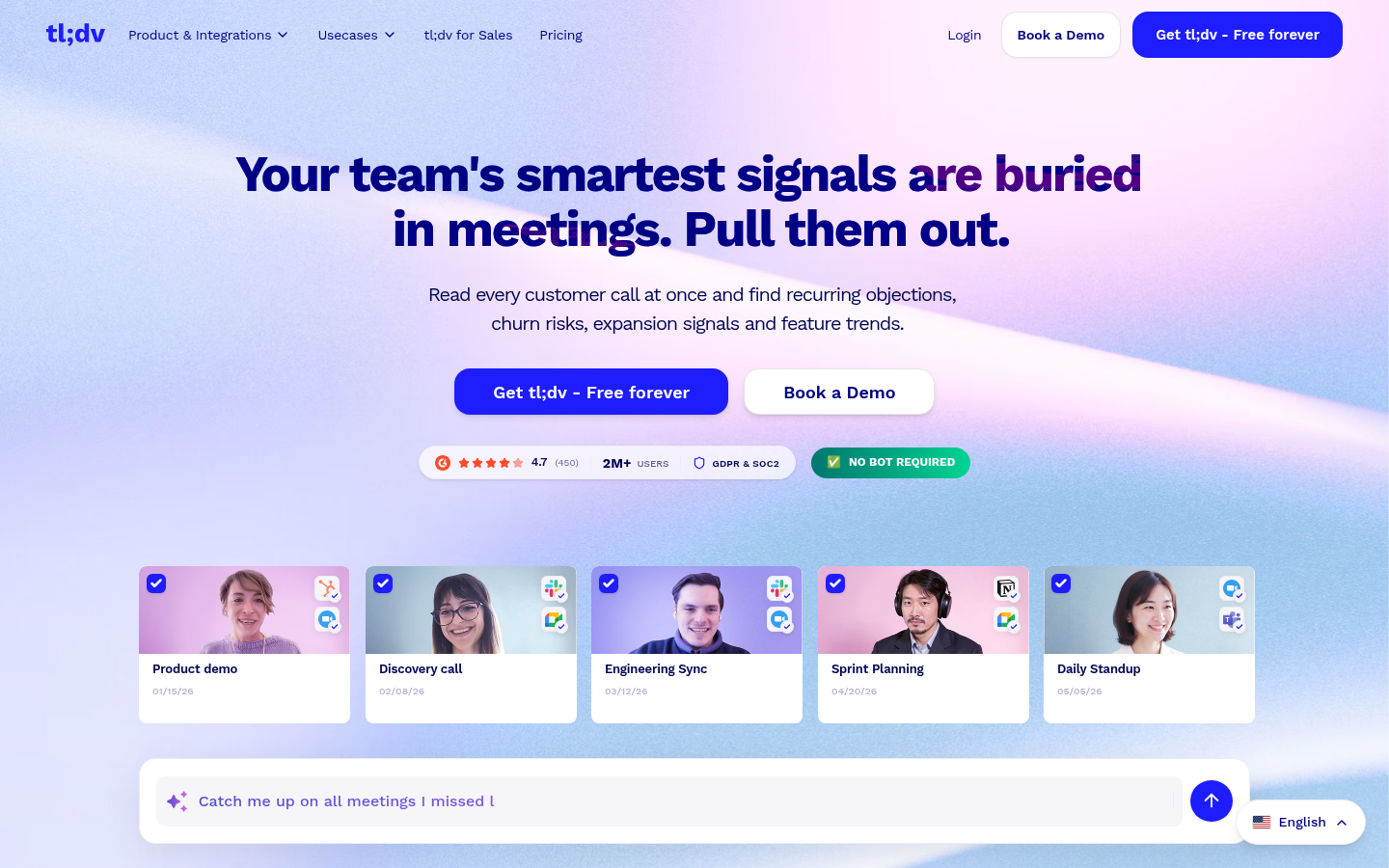
tl;dv
- Clip and highlight tools make it fast to pull one moment out of an hour-long call
- Coaching scorecards track talk time and moderation across a sales team
- Free plan allows unlimited recording, not just a handful of calls
- Live translation works across roughly 40 languages during the call
- Coaching and CRM sync features are reserved for the Business tier and above
- AI summary quality on the free plan is noticeably lighter than the paid summaries
Worth it specifically for teams that coach off recorded calls, less so for plain note-taking.
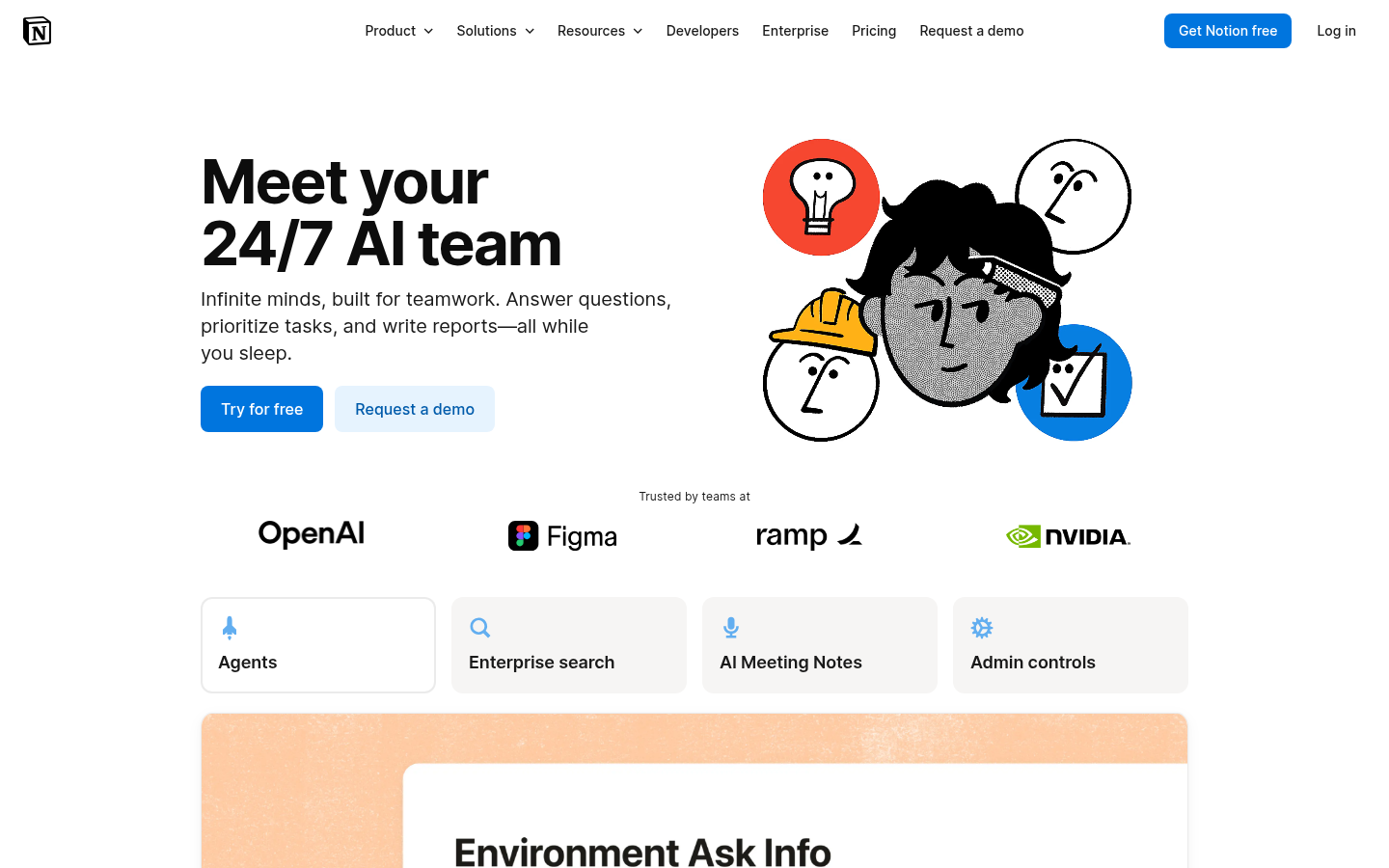
Notion AI
- Meeting notes land directly next to the docs and tasks they relate to
- One AI layer across notes, meetings, and pages, rather than a separate app
- Search covers meeting transcripts alongside every other Notion page
- No new tool to learn if Notion is already the daily workspace
- Meeting capture is a feature bolted onto a workspace, not the product's core focus
- AI add-on pricing stacks on top of an existing Notion plan, and can surprise the total invoice
Makes sense only as an extension of a workspace you already use daily, not on its own.
Verdict
Otter.ai and Fathom cover the default case, a fully remote team on video calls, well enough that most people should start there. Fireflies and tl;dv earn their place when a CRM or coaching workflow is the real requirement. Notion AI is only worth it as a bonus inside a workspace you already pay for. TicNote is the one to add, not necessarily to replace anything, when the conversations that matter most happen away from a screen.
How we tested
We tested free tiers directly across two 45-minute team calls, one in-person interview using TicNote's recorder, and one recorded lecture. We checked each transcript against a manual read-through, tried the search or Q&A feature where one existed, read G2 and Capterra review aggregates for each product, and confirmed current pricing on every vendor's own site in July 2026 rather than reusing numbers from older roundups still circulating online.
The best AI note taking app depends on where your conversations happen. Otter.ai remains the safest default for teams that live entirely on Zoom, Meet, or Teams: free live transcription, an in-meeting chat, and near-universal recognition when the bot joins a call. Fathom's free plan is the most generous of the six, with no watermark or minute cap. TicNote earns its spot for a different reason: it is the only tool here built to capture conversations no video bot can reach, at the cost of buying hardware first.
What counts as an AI note taking app
Most tools in this category are video call bots. A small icon joins your Zoom or Meet link, listens, and produces a transcript once the call ends. That covers five of the six tools here. The sixth, TicNote, works differently: a small physical recorder or a pair of earbuds capture whatever conversation is happening around you, whether or not a laptop is involved. We include it because a real share of the searches behind this keyword come from people who take notes in rooms, not only on calls.
Otter.ai and Fathom: the two default picks
Otter.ai transcribes in real time, so you can read along as the meeting happens rather than waiting for a summary afterward. Its free plan covers 300 minutes a month, enough for someone with two or three meetings a week. Fathom takes the opposite approach: unlimited free recordings, no watermark, and an Ask Fathom search that works across your entire call history. Neither tool asks for a credit card to start, which matters if you just want to try one before committing to anything.
Why TicNote is on this list despite the hardware
TicNote is a magnetic recorder or a set of earbuds, not a browser extension. That is a real trade-off: you buy a device before you get any value, unlike every other tool here. What you get in exchange is coverage a video bot cannot offer: an in-person interview, a site visit, a lecture, plus a Chrome extension mode for the calls you do take on a laptop. It also goes further than a transcript. Recordings can turn into a slide deck or a written report, generated automatically from what was said. We are not claiming it replaces a meeting bot for a fully remote team. For anyone whose work moves between rooms and screens, it fills a gap the other five leave open.
Fireflies and tl;dv, for teams that review calls later
Fireflies syncs meeting notes straight into Salesforce or HubSpot, which matters if a sales team's real workflow lives in the CRM, not in a folder of transcripts. tl;dv leans into clips: pull a 30-second moment out of an hour-long call and share just that moment instead of the whole recording. Both offer coaching value, talk-time tracking, moderation flags, searchable call history, that Otter and Fathom do not focus on.
Where Notion AI fits, and where it does not
Notion AI is not built as a meeting notetaker first. It is a workspace AI that happens to transcribe meetings, among other things. If your team already keeps every document, task, and wiki page in Notion, having meeting notes land in the same place is genuinely useful. If Notion is not already part of your day, there is no reason to adopt it just for this one feature.
How we compared these six tools
We read each vendor's current pricing page rather than trusting older screenshots, tested the free tier of every tool on the same two calls, and ran TicNote through an in-person session the others could not attempt. None of this replaces a multi-month usage test, but it is enough to separate marketing claims from what the free plan actually does.
None of these six tools is the right pick for everyone. The honest question is not which one wins, but where your conversations actually happen.